
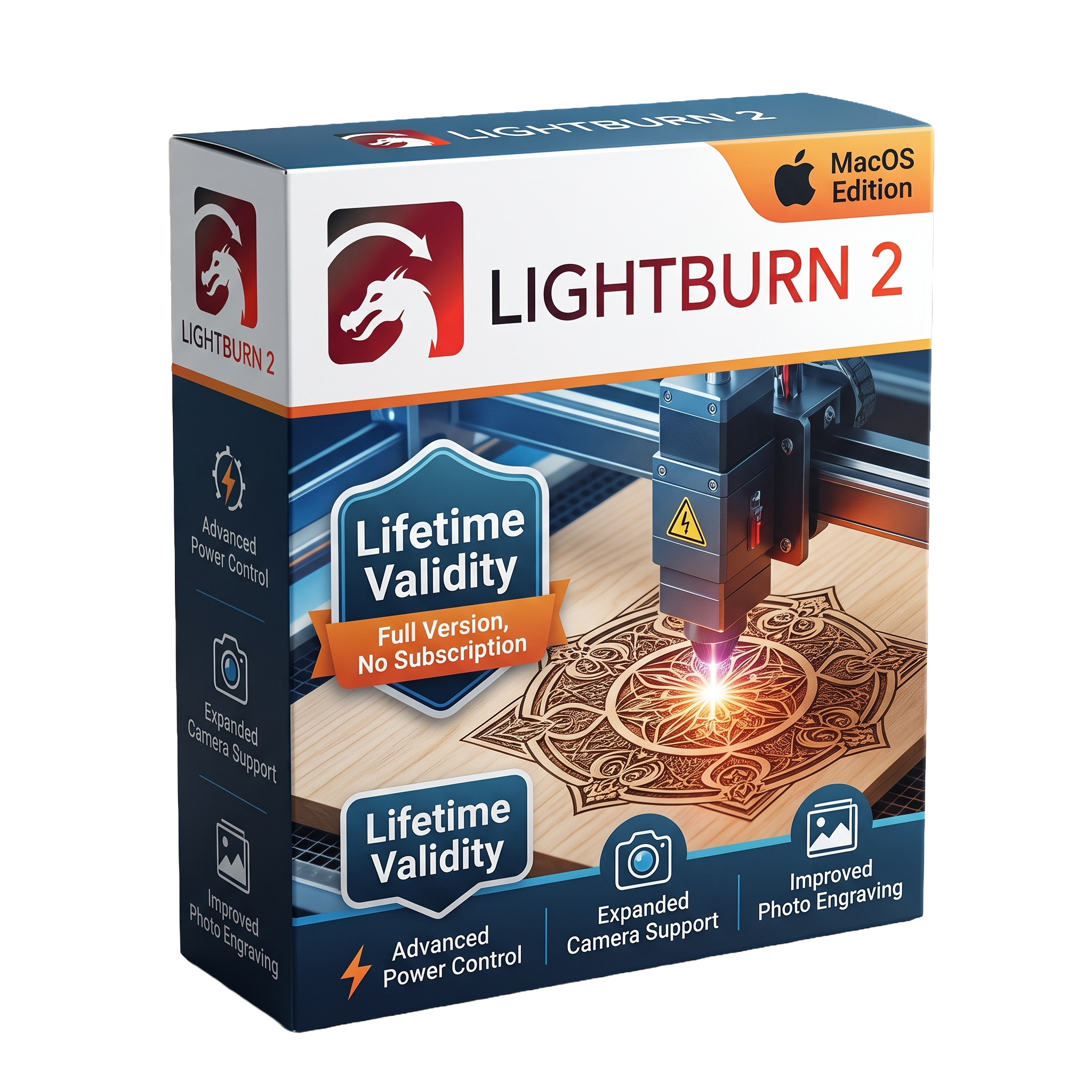
Lightburn 2 for macOS Lifetime
- AUTOMATIC DELIVERY INSTANTLY ON REGISTERED EMAIL .
- Any Installation Problem Freely Contact Us(Will Give You Support)
- Lifetime Validity
- Windows Version
- Professional laser cutting and engraving software for macOS
- Native support for Intel and Apple Silicon Macs
- Vector drawing, image editing, and laser job preparation
- Camera alignment and Material Library support
- Advanced rotary engraving and Galvo laser compatibility
- Supports Ruida, Trocen, GRBL, DSP, Smoothieware, and other controllers
- Imports AI, SVG, DXF, PDF, PNG, JPG, BMP, and more
- Improved stability, SVG import, UI scaling, and rotary controls in version 2.0.05
- Optimized for laser cutting, engraving, sign making, and product customization
- Ideal for makers, hobbyists, educators, fabrication shops, and professional laser users
₹500.00
Description
LightBurn 2.0.05 for Mac is a professional laser cutting, engraving, and design application developed for makers, hobbyists, small businesses, educational institutions, and industrial users. Designed specifically for controlling a wide range of laser engravers and cutters, LightBurn combines vector design, image editing, job preparation, and machine control in a single intuitive workspace. It supports numerous DSP and G-code-based laser controllers, allowing users to create, edit, optimize, and send projects directly to compatible laser systems from macOS. Version 2.0.05 is a maintenance release that builds on the major LightBurn 2.0 platform while addressing stability, compatibility, and usability issues.
LightBurn provides a comprehensive set of design and production tools, including vector drawing, node editing, text creation, image tracing, image processing, layer management, camera alignment, nesting, array generation, material libraries, and advanced laser parameter controls. Users can prepare projects for cutting, engraving, scoring, and marking while optimizing speed, power, passes, air assist, and fill settings for different materials. Broad compatibility with Ruida, Trocen, GCode, Smoothieware, GRBL, Galvo, DSP, and many other controllers makes it suitable for a wide variety of laser machines.
Version 2.0.05 focuses on improving reliability across both macOS and Windows by fixing issues related to SVG importing, rotary controls, image deformation, Galvo devices, Art Library stability, UI scaling, docking behavior, Material Library controls, and Mac-specific communication fixes introduced in earlier 2.0 releases. These refinements provide a smoother workflow for laser engraving and cutting while maintaining compatibility with modern macOS systems.
Key Features
- Professional laser cutting and engraving software
- Native macOS support
- Vector drawing and editing tools
- Image tracing and bitmap processing
- Node editing and shape creation
- Camera calibration and job alignment
- Material Library for reusable laser settings
- Layer-based cutting and engraving management
- Advanced fill, offset fill, and hatch options
- Rotary attachment support
- Array, nesting, and duplication tools
- Live machine control and job preview
- Multi-pass cutting and optimization
- Supports Ruida, Trocen, GRBL, Smoothieware, Galvo, DSP, and many other laser controllers
- Import support for AI, SVG, DXF, PDF, PNG, JPG, BMP, PLT, and more
What’s New in Version 2.0.05
- Fixed rotary jogging direction issues
- Improved SVG import reliability
- Fixed image deformation glitches
- Increased Galvo rotary limits
- Improved Galvo framing behavior
- Fixed Material Library interface sizing
- Better handling of custom G-code settings
- UI scaling and icon resolution improvements
- Improved application window positioning
- Additional stability improvements and bug fixes
- Earlier 2.0.x updates also improved Mac BSL library support, high-DPI scaling, font handling, and Mac-specific framing reliability.
Professional Applications
LightBurn 2.0.05 is ideal for:
- Laser engraving
- Laser cutting
- Woodworking
- Acrylic fabrication
- Leather engraving
- Sign making
- Product personalization
- Jewelry marking
- Educational makerspaces
- Small manufacturing workshops
System Requirements
Minimum Requirements
- Operating System: macOS 12 Monterey or later (LightBurn 2.0 requires macOS 12+; macOS 11 users should use 2.0.05 where applicable for compatibility)
- Processor: Intel 64-bit processor or Apple Silicon (M1 or newer)
- RAM: 4 GB
- Storage: 500 MB available disk space
- Graphics: Metal-compatible graphics
- Display: 1280 × 800 resolution
- USB/Network: Required for connecting supported laser controllers
Related Products
- AUTOMATIC DELIVERY INSTANTLY ON REGISTERED EMAIL .
- Any Installation Problem Freely Contact Us(Will Give You Support)
- Lifetime Validity
- Windows Version
- For 3ds Max 2021 – 2027
- Render and clip real-world 3D scans natively with full Gaussian Splatting support.
- Simulate complex light fixtures significantly faster using the new V-Ray Luminaire.
- Generate accurate stars, moon, and phases instantly with the procedural Night Sky.
- Create PBR materials from simple photos automatically with the AI Material Generator.
- Stream interactive 3D scenes to clients via a web link with Chaos Cloud Streaming.
- Analyze scene performance and spot bottlenecks precisely using the V-Ray Profiler.
- Render realistic caustics and refractions at high speeds with updated V-Ray GPU.
- AUTOMATIC DELIVERY INSTANTLY ON REGISTERED EMAIL .
- Any Installation Problem Freely Contact Us(Will Give You Support)
- Lifetime Validity
- Windows Version
- Free Updates
- Automate assembly mates instantly with AI-powered fastener recognition.
- Generate complete 2D drawings from 3D models automatically with AI tools.
- Split component configurations into separate files in batches seamlessly.
- Skip unnecessary rebuilds for cosmetic changes to speed up large assemblies.
- Create reference points precisely using global XYZ coordinate values.
- Import massive neutral files in the background while you continue working.
- Render photorealistic images directly within the interface without switching apps.
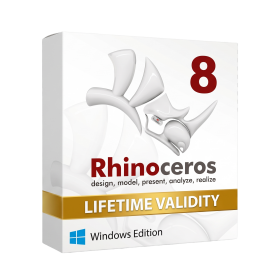
- AUTOMATIC DELIVERY INSTANTLY ON REGISTERED EMAIL .
- Any Installation Problem Freely Contact Us(Will Give You Support)
- Lifetime Validity
- Windows Version
- Online & Offline both working
- Create watertight meshes instantly for 3D printing with the new ShrinkWrap tool.
- Generate dynamic 2D sections and plans directly from 3D models with ClippingDrawings.
- Model organic shapes with greater precision using supported SubD creases.
- Manipulate geometry intuitively with the new customized Auto Gumball.
- Extrude and modify faces instantly using the direct PushPull workflow.
- Render scenes significantly faster with the optimized Cycles engine.
- Customize the modernized interface to match your specific drafting workflow.
- Lifetime Validity
- Instant Delivery on Email
- Supported on All Apple Mac Systems
- Any Installation Problem Freely Contact Us(Will Give You Support)
- File Size: 6.68GB (20.3.2 Version)
- Ai Features are working
- Works with Internet and Antivirus
- Edit 12K projects effortlessly with native optimization for Apple M3 and M4 Ultra chips.
- Render renders up to 4x faster using the fully unified memory architecture of Apple Silicon.
- Generate depth maps instantly from single-camera clips using the Apple Neural Engine.
- Grade HDR content with absolute precision on Liquid Retina XDR displays using the new EDR workflow.
- Isolate voices from noisy backgrounds in real-time with the Core ML-powered Voice Isolation.
- Edit spatial video for Apple Vision Pro with a dedicated stereoscopic 3D viewer.
- Track complex objects in 3D space instantly with the Metal-accelerated IntelliTrack AI.
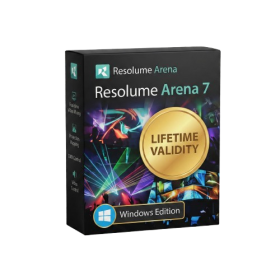
- AUTOMATIC DELIVERY INSTANTLY ON REGISTERED EMAIL .
- Any Installation Problem Freely Contact Us(Will Give You Support)
- Lifetime Validity
- Windows Version
- Map video onto complex geometric structures and surfaces with advanced projection mapping tools.
- Stitch multiple projectors into a single seamless widescreen image with soft edge blending.
- Sync video with lighting fixtures using DMX input and advanced LED pixel mapping.
- Lock your visuals perfectly to show tracks and DJ sets using SMPTE timecode input.
- Mix unlimited layers of video, effects, and generative content in real-time.
- Correct mistakes instantly during live setup with the fully integrated Undo/Redo feature.
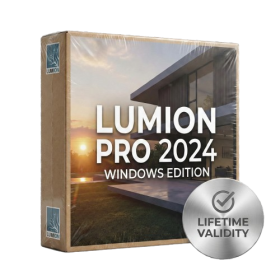
- AUTOMATIC DELIVERY INSTANTLY ON REGISTERED EMAIL .
- Any Installation Problem Freely Contact Us(Will Give You Support)
- Lifetime Validity
- Windows Version
- Ray trace over 2,200 nature assets including trees and shrubs for realistic reflections.
- Preview renders instantly with the new real-time NRD denoiser in Photo and Movie modes.
- Render ray-traced videos up to 5x faster using the optimized sampling engine.
- Simulate realistic glass refraction and colored shadows with fully ray-traced glass.
- Add depth to translucent materials like marble and wax with Subsurface Scattering.
- Populate interiors instantly using 25+ new parallax room templates for day and night.
- Import GLTF files directly for a lighter and faster 3D model workflow.
- Batch import multiple 3D models simultaneously to speed up scene building.
- AUTOMATIC DELIVERY INSTANTLY ON REGISTERED EMAIL .
- Any Installation Problem Freely Contact Us(Will Give You Support)
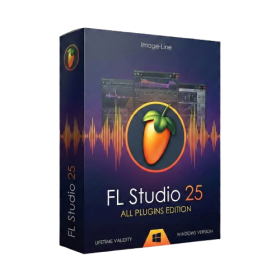
- Lifetime Validity FL Studio + 116 instruments and effects, includes audio recording and stem separation.
- Windows Version
- Pre-Activated Setup (Install Setup & Enjoy)
- Works with Internet & Antivirus
- File Size: 1.30GB
- Includes Everything: Every native plugin Image-Line sells (Synths, Effects, Tools).
- Massive Library: Comes with Harmor, Sytrus, Gross Beat, and the new Kepler Exo.
- Dynamic Mixing: Expand your mixer up to 500 tracks with the new 2025 engine
- Stem Separation: Split any song into Drums, Bass, Vocals, and Instruments instantly.
- Audio Editing: Edit pitch and time directly in the playlist with Newtone.
- Visualizers: Render 4K videos for social media with ZGameEditor Visualizer.
- Controller Support: Plug-and-play compatibility with virtually any MIDI controller.
- Lifetime Validity
- Instant Delivery on Email
- Any Installation Problem Freely Contact Us(Will Give You Support)
- Supported on Windows 10,11
- Pre-Activated for Lifetime Validity
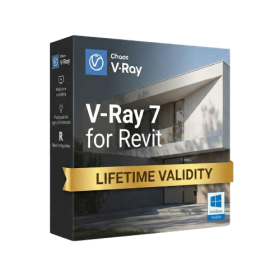
- Supports: Revit 2022 to 2026
- Import and render real-world 3D Gaussian Splats directly within the Revit interface.
- Generate custom PBR textures instantly from text prompts with the AI Material Generator.
- Visualize changes in real-time using the seamless Chaos Vantage Live Link.
- Populate scenes with vegetation and crowds efficiently using Chaos Scatter.
- Edit colors and apply finishing touches directly in the advanced V-Ray Frame Buffer.
- Ensure material consistency across different software with native OpenPBR support.
- Add realistic details like road markings or graffiti using V-Ray Decals.
- Simulate dynamic skies and cloud shadows with the procedural Cloud system.
- Generate dozens of lighting variations automatically with the Light Gen tool.
- Accelerate rendering times significantly with optimized NVIDIA RTX GPU support.
- AUTOMATIC DELIVERY INSTANTLY ON REGISTERED EMAIL .
- Any Installation Problem Freely Contact Us(Will Give You Support)
- Lifetime Validity
- Windows Version
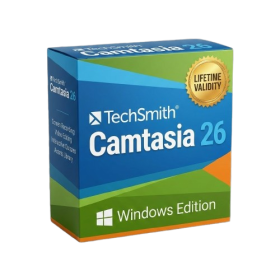
- Edit video content as easily as a text document with the AI-powered text-based editing workflow.
- Instantly remove or replace video backgrounds without a green screen using dynamic AI masking.
- Automatically generate and sync accurate captions and subtitles from your voiceover in seconds.
- Smooth out jerky mouse movements and customize cursor paths with advanced cursor effects.
- Record high-resolution 4K screen capture, webcam, and system audio simultaneously.
- Clean up background noise and balance vocal levels instantly with AI-enhanced audio filters.
- Access a vast library of royalty-free intros, motion graphics, and music directly within the editor.
- Engage viewers by adding interactive quizzes and clickable hotspots directly to your videos.
- Apply professional animations and behaviors to text and images with simple drag-and-drop actions.
- Export videos faster than ever with optimized GPU acceleration for modern hardware.
- AUTOMATIC DELIVERY INSTANTLY ON REGISTERED EMAIL .
- Any Installation Problem Freely Contact Us(Will Give You Support)
- Lifetime Validity
- Windows Version
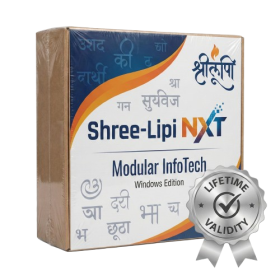
- Type effortlessly in multiple Indian languages with enhanced Unicode keyboard handlers.
- Detect and switch between 32-bit and 64-bit applications automatically while typing.
- Access thousands of high-quality calligraphic fonts for professional designs.
- Convert legacy text to Unicode instantly with the advanced file conversion utility.
- Design stylish 3D titles and logos easily using the Avishkar Plus tool.
- Check spelling in Indian languages directly with the integrated Spell Checker.
- Integrate seamlessly with open-source apps like Inkscape, GIMP, and Scribus.
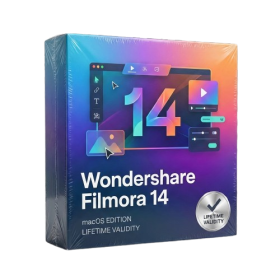
- Lifetime Validity
- Instant Delivery on Email
- Supported on All Apple Mac Systems
- Any Installation Problem Freely Contact Us(Will Give You Support)
- Extract highlights automatically from long footage with the AI Smart Short Clips tool.
- Edit multiple camera angles simultaneously on a single track with Multi-Camera Editing.
- Match the color grading of any reference video or photo instantly using AI Color Palette.
- Restore details in low-resolution or blurry footage with the AI Video Enhancer.
- Translate videos and sync lip movements to the new language using AI Translation – Lip Sync.
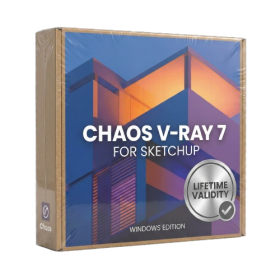
- AUTOMATIC DELIVERY INSTANTLY ON REGISTERED EMAIL .
- Any Installation Problem Freely Contact Us(Will Give You Support)
- Lifetime Validity
- Windows Version
- Chaos V-Ray 7.20.01 for Rhinoceros 7 – 9 & SketchUp 2021 – 2026
- Render real-world 3D scans with reflections using native Gaussian Splatting support.
- Simulate accurate stars, moon phases, and the Milky Way with the procedural Night Sky.
- Upscale renders to 16K resolution instantly with the one-click AI Upscaler.
- Populate vegetation naturally with new Clustering modes in Chaos Scatter.
- Clip and trim Gaussian Splat models directly within the SketchUp viewport.
- Render complex light fixtures significantly faster using optimized V-Ray Luminaires.
- Remove bright noise pixels automatically during rendering with Firefly Removal.
- Add detail to people and grass without re-rendering using the AI Enhancer.